
Appearance
Luna Tools Documentation
Documentation for Luna Tools, including step-by-step workflows for browsing, editing, previewing, and packaging mods for Marvel's Spider-Man 2 on Windows.
Luna Tools is a Windows desktop editor for viewing, editing, and creating mods for Marvel's Spider-Man 2. Use this documentation to learn how to browse retail game archives safely, edit assets inside an isolated Stage project folder, preview 3D models and scenes, and export .stage packages for Overstrike.
If you are opening Luna Tools for the first time, start here:
Key workflows in Luna Tools
Explore the core tools included in the Luna Tools desktop editor.
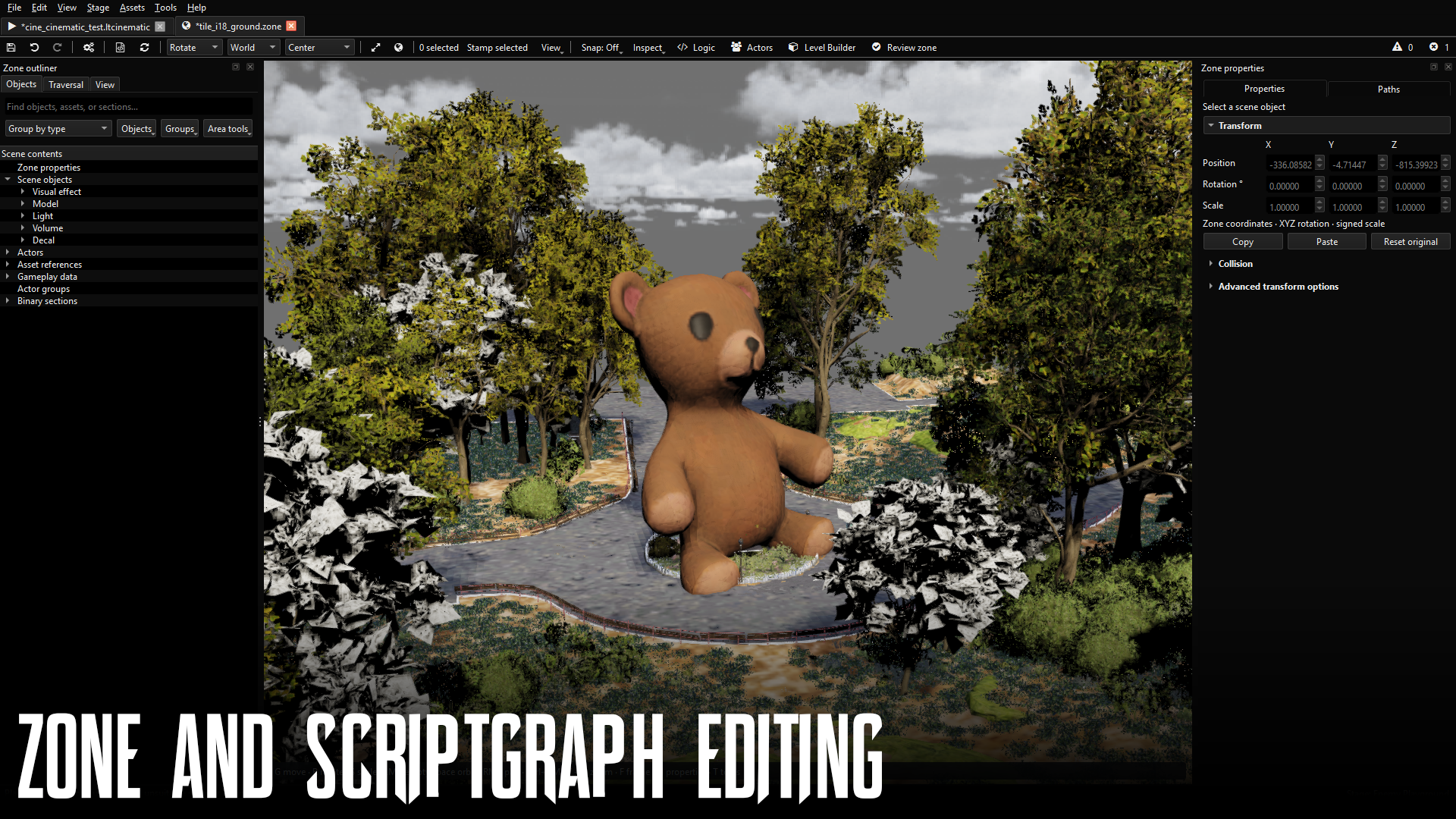
Zones and world scenes
Open 3D city tiles, inspect placed objects, move actors in space, and adjust world streaming layouts.
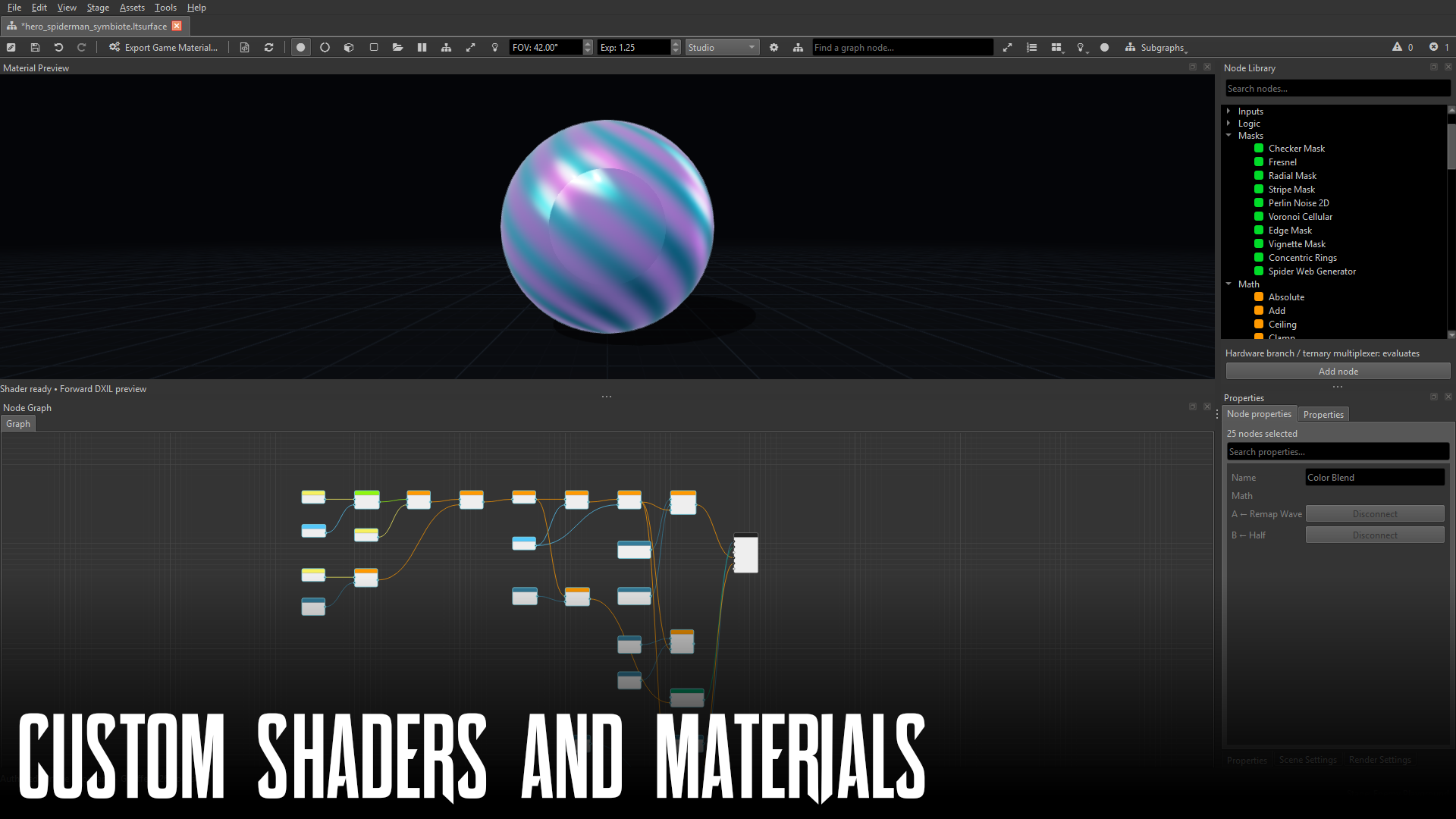
Materials and shaders
Build custom surface shader graphs (.ltsurface) and reusable material instances (.ltmaterial) with live 3D previews.
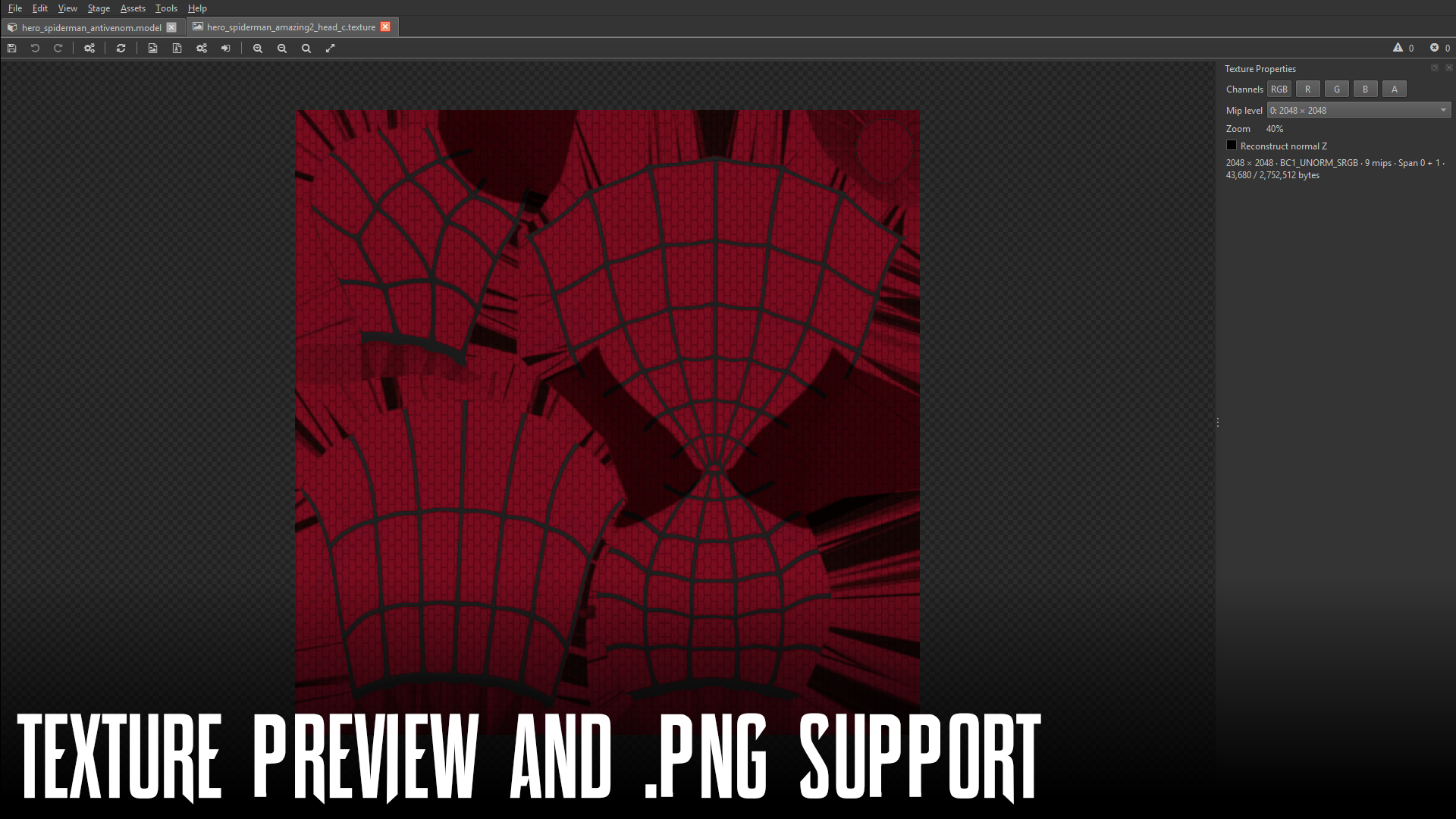
Textures and 3D preview
Convert standard .png images into compressed .texture spans with automatic mipmaps, and inspect models and channels.
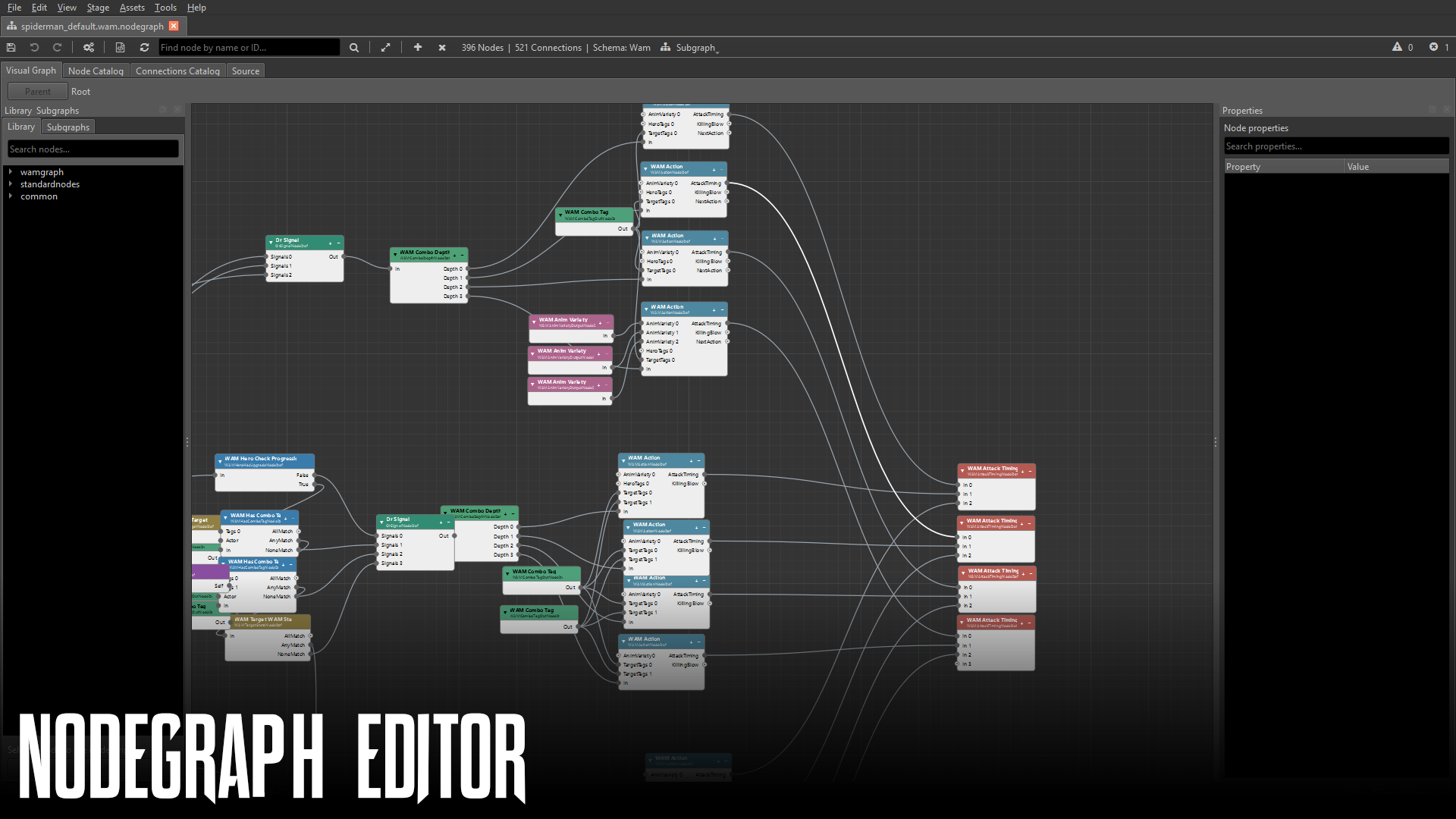
Scriptgraphs and missions
Author gameplay logic, timers, UI prompts, and mission sequences using visual node graphs.
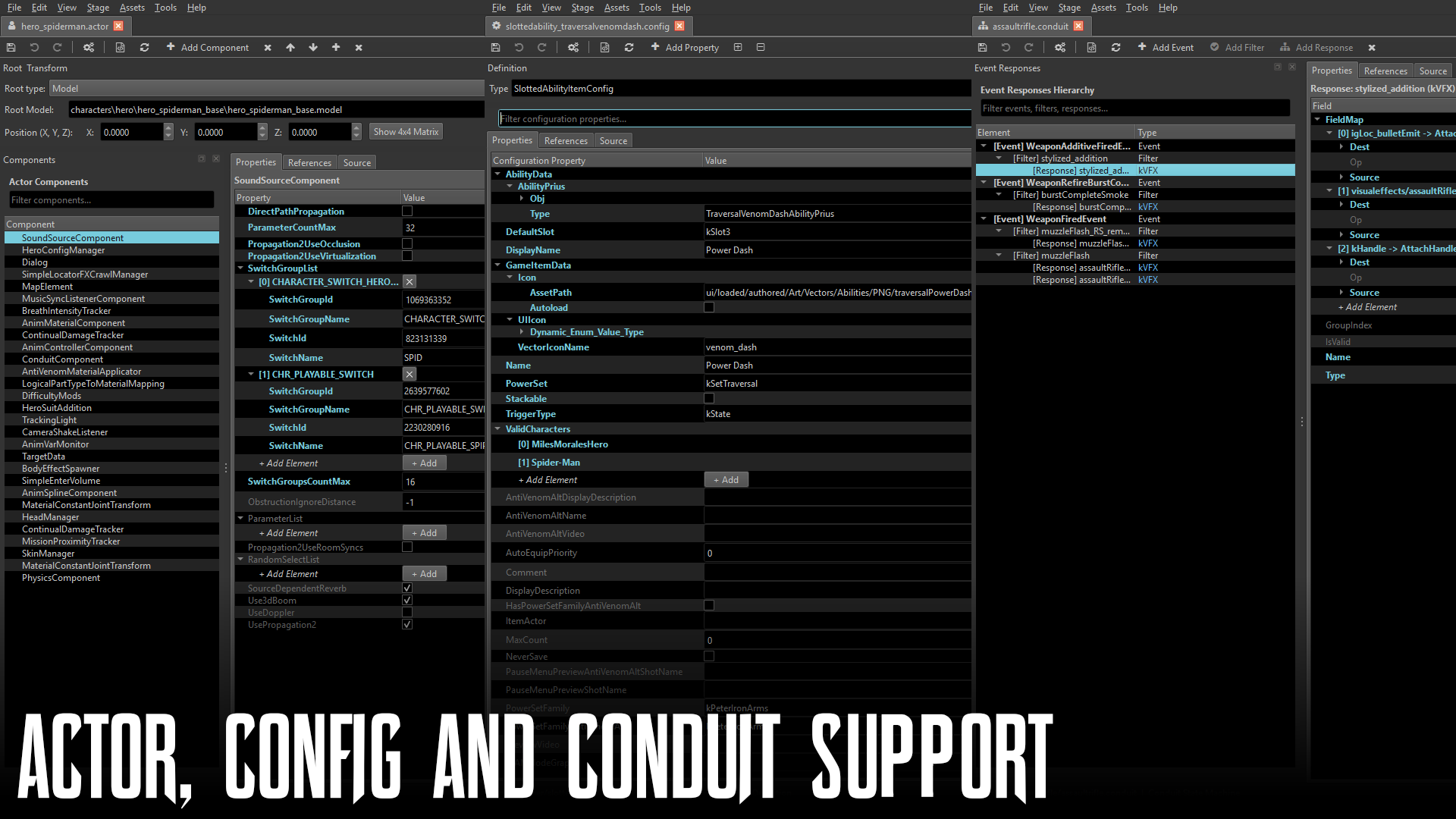
Actors, configs, and data
Modify .actor definitions, .config settings, .conduit behaviors, .atmosphere weather, and .save files.
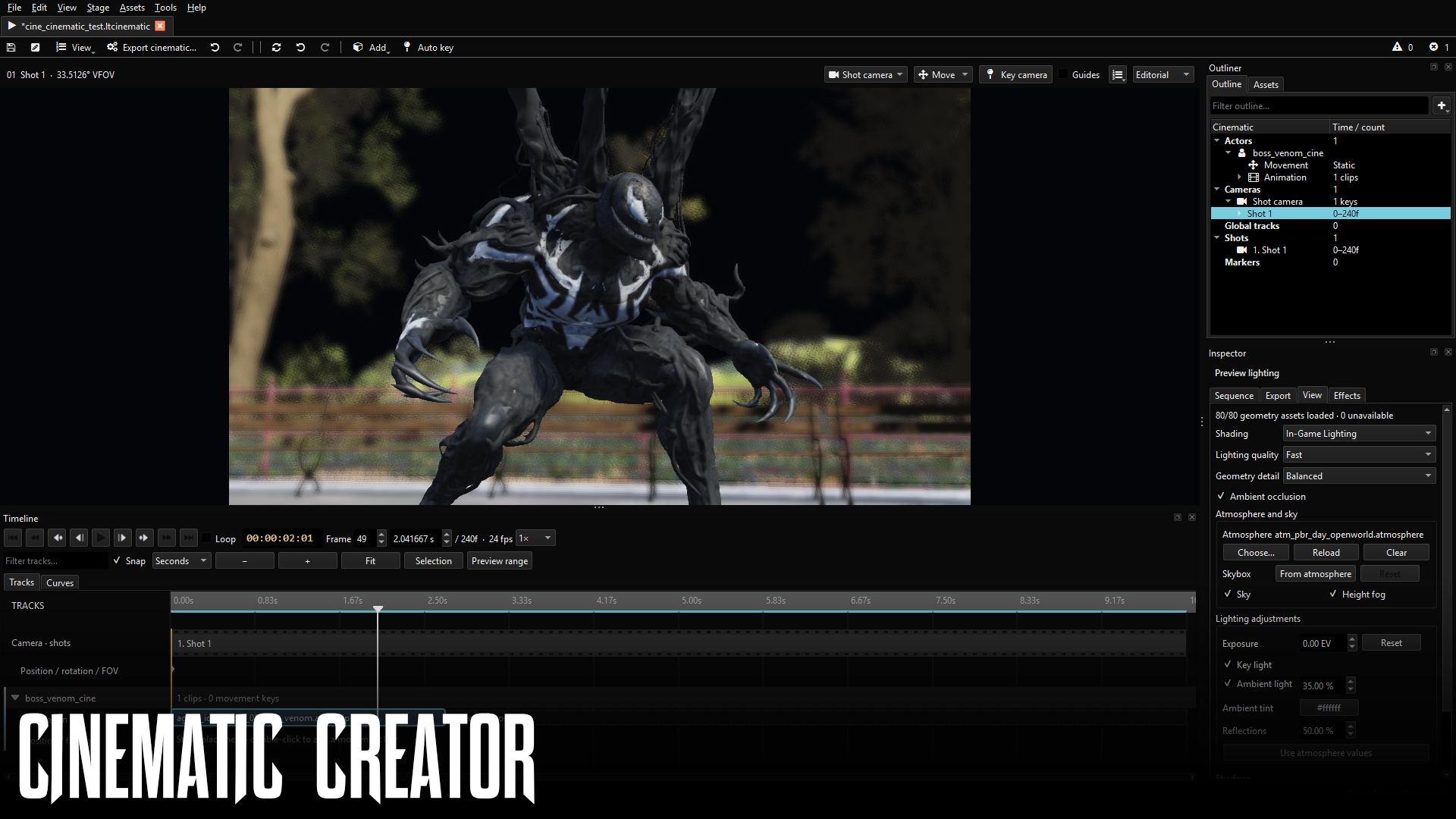
Cinematics, animation, and audio
Preview character animations on skeletons, build multi-track cutscenes (.ltcinematic), and import custom .wav audio.
Topics
| Topic | Description |
|---|---|
| Installation and setup | Set up Luna Tools on Windows, connect your Marvel's Spider-Man 2 toc file, understand Stages, learn the Interface, and build your First mod. |
| Core concepts and architecture | Understand how levels, zones, actors, configs, scriptgraphs, and visual assets work together inside the game engine. |
| Workbench navigation | Work with the Asset Browser, document tabs, Inspector, Output log, and workspace files. |
| Asset Wizard and editors | Create new textures, materials, and cinematics from templates, or edit structured data files directly. |
| World and gameplay | Edit .zone scenes and .level tables, wire Scriptgraphs, and build Mission patterns. |
| Materials, cinematics, and audio | Author reusable surfaces and materials, sequence Cinematics, preview Animation, and build Audio soundbanks. |
| Reference and troubleshooting | Look up supported Asset types, browse the Node reference, or solve common issues in Troubleshooting. |
IMPORTANT
Luna Tools is an independent community tool in beta, not an official Insomniac Games, Sony, or Marvel product. Keep backups of your Stage project folders and test exported .stage packages in game before distributing them.